Pearson Edexcel · GCSE · Computer Science
Topic 6: Problem solving with programming
Topic 6 takes you from theoretical algorithms to writing real, working Python programs. You'll master computational thinking, learn to build robust code using sequence, selection, and iteration, and discover how to test and debug like a professional.
- 7 min read
- 3 worked examples
- 5 practice questions
- 6 key terms
Study Notes
Overview
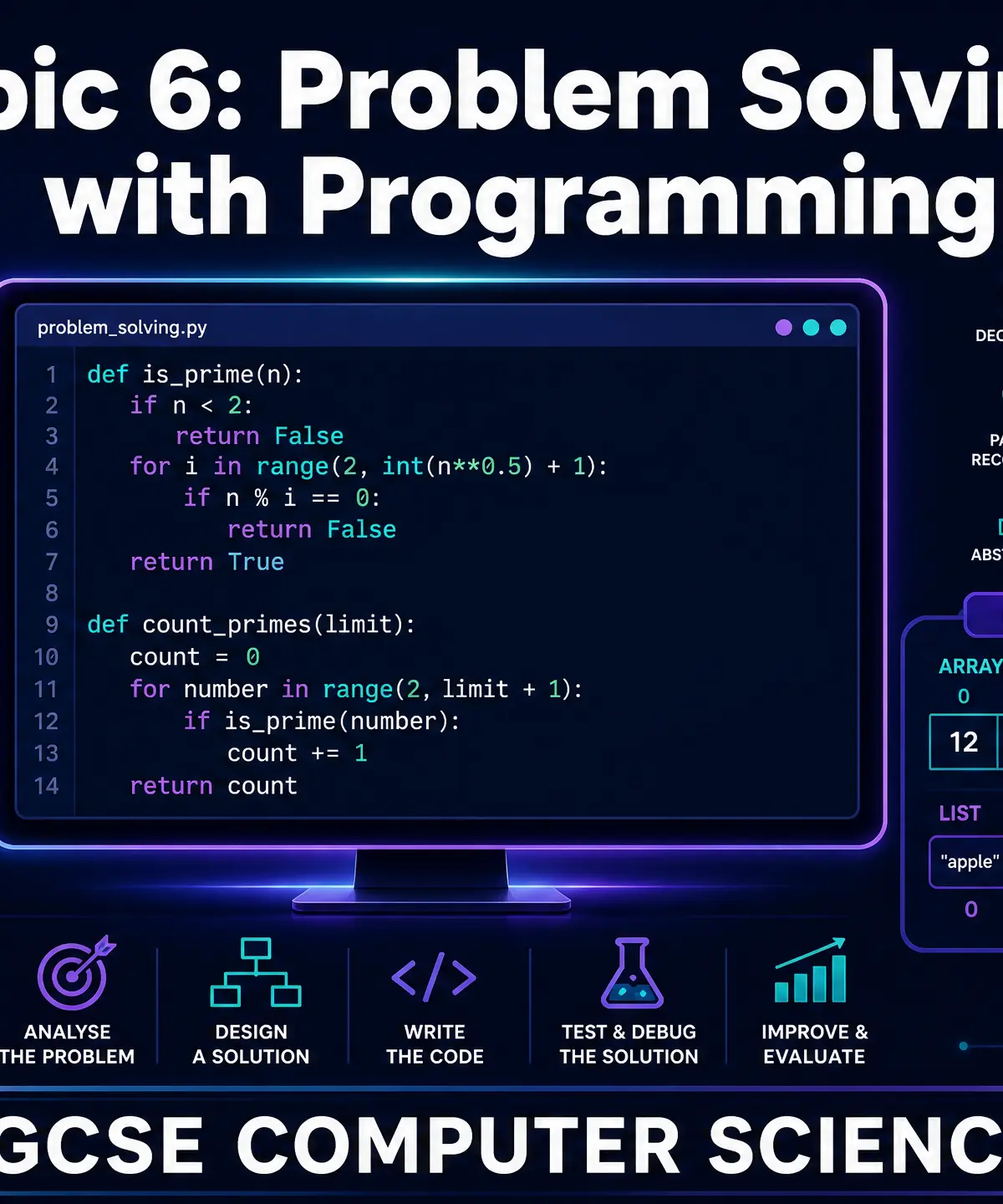
Topic 6: Problem Solving with Programming is where theory meets practice in GCSE Computer Science. This topic transitions you from understanding how algorithms work on paper to actually writing, testing, and refining functional code in Python 3. It is arguably the most practical section of the specification, demanding not just memorisation, but the application of logic to solve real-world problems.
Examiners place a heavy emphasis on your ability to use the Programming Language Subset (PLS). You will be tested on your capacity to read code, identify errors, trace execution, and write robust programs from scratch. This topic connects deeply with Data Representation (understanding how variables are stored) and Algorithms (translating flowcharts into code). Typical exam questions range from simple syntax corrections (1-2 marks) to designing and writing complete functions with validation (6-8 marks).

Key Concepts
Concept 1: Computational Thinking
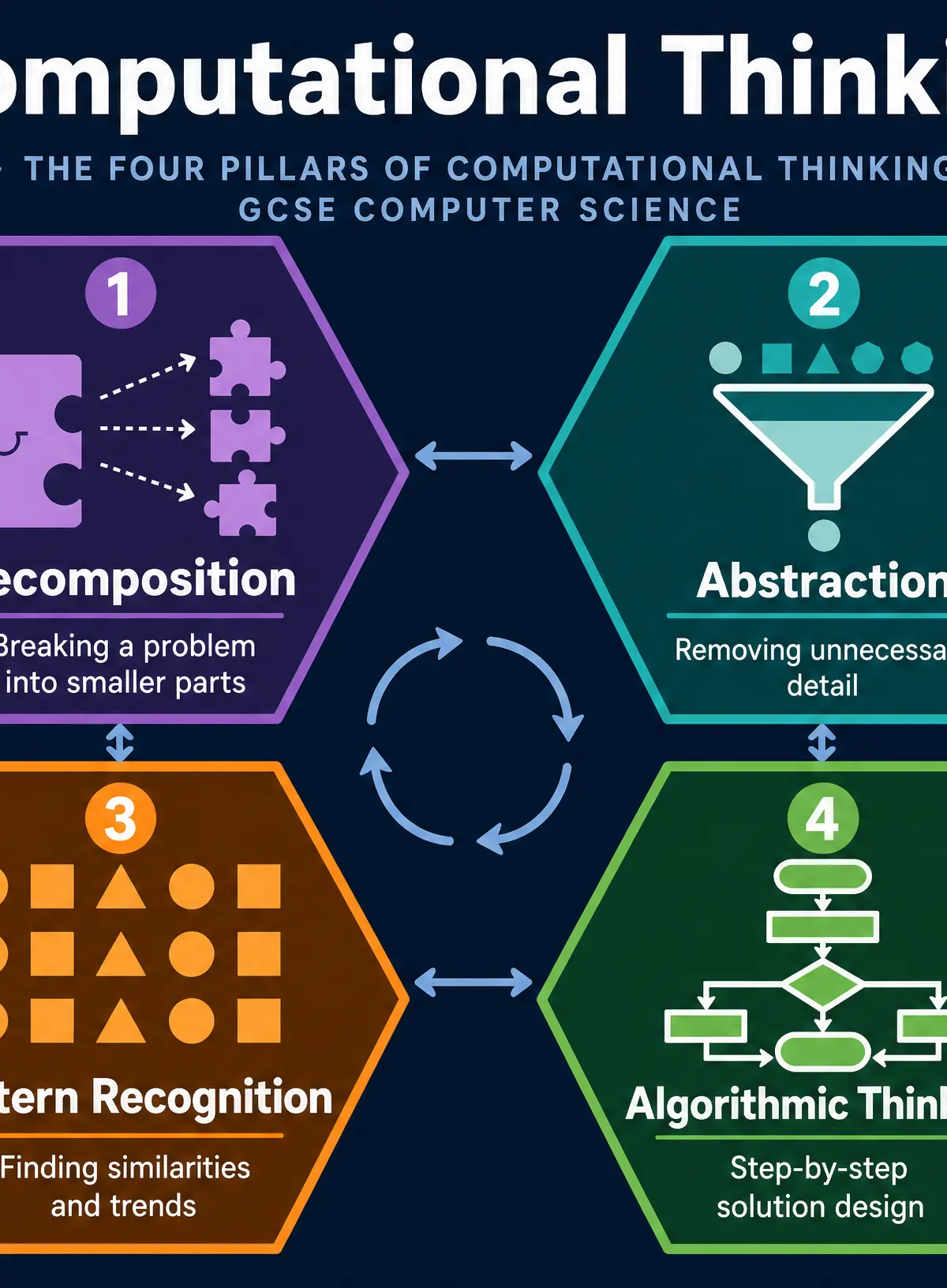
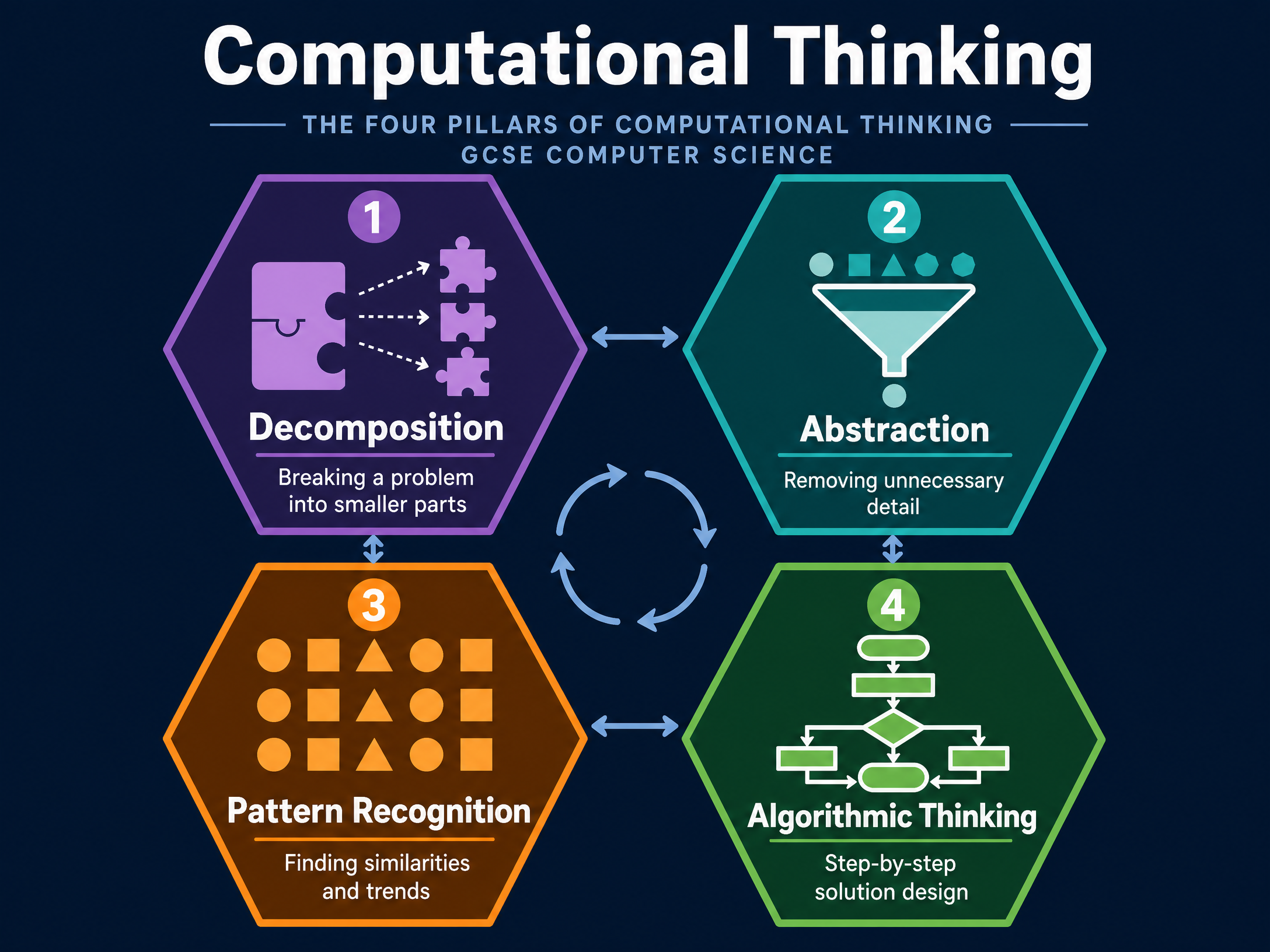
Before writing any code, you must understand how to approach a problem. Computational thinking is a problem-solving process that involves four key pillars:
- Decomposition: Breaking down a complex problem or system into smaller, more manageable parts. Why it works: It is much easier to write code for five small functions than one massive, tangled block of code.
- Abstraction: Filtering out and ignoring the characteristics that we don't need in order to concentrate on those that we do. Why it works: It reduces complexity. When simulating a car race, you need to know speed and acceleration, but you can abstract away the colour of the car's interior.
- Pattern Recognition: Looking for similarities among and within problems. Why it works: If you have solved a similar problem before, you can reuse the algorithm.
- Algorithmic Thinking: Developing a step-by-step solution to the problem, or the rules to follow to solve the problem.
Example: If you are tasked with creating a school registration system, decomposition means breaking it into 'login', 'record attendance', and 'generate report'. Abstraction means recording a student's ID and status, but ignoring their shoe size.
Concept 2: Programming Constructs
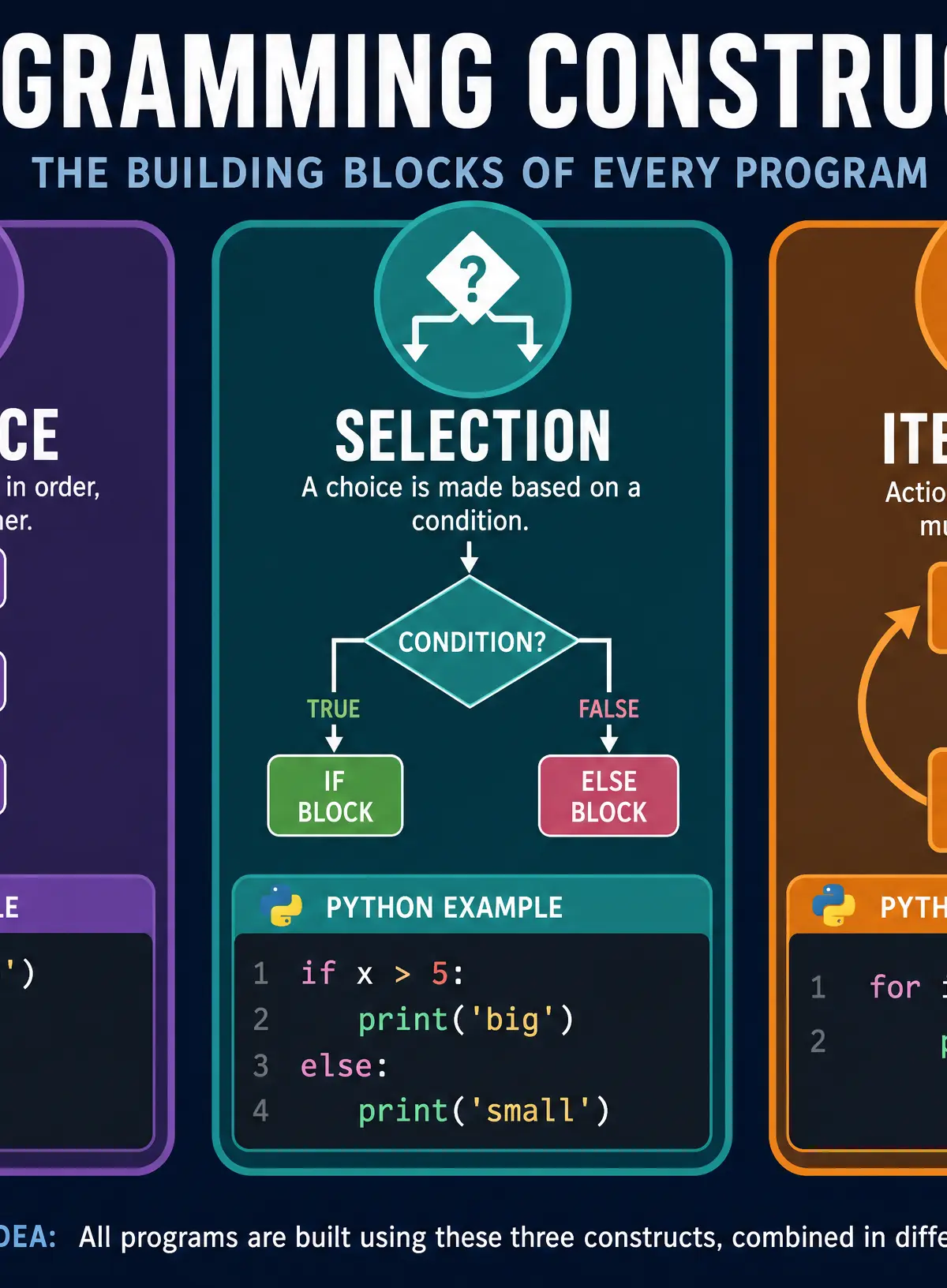
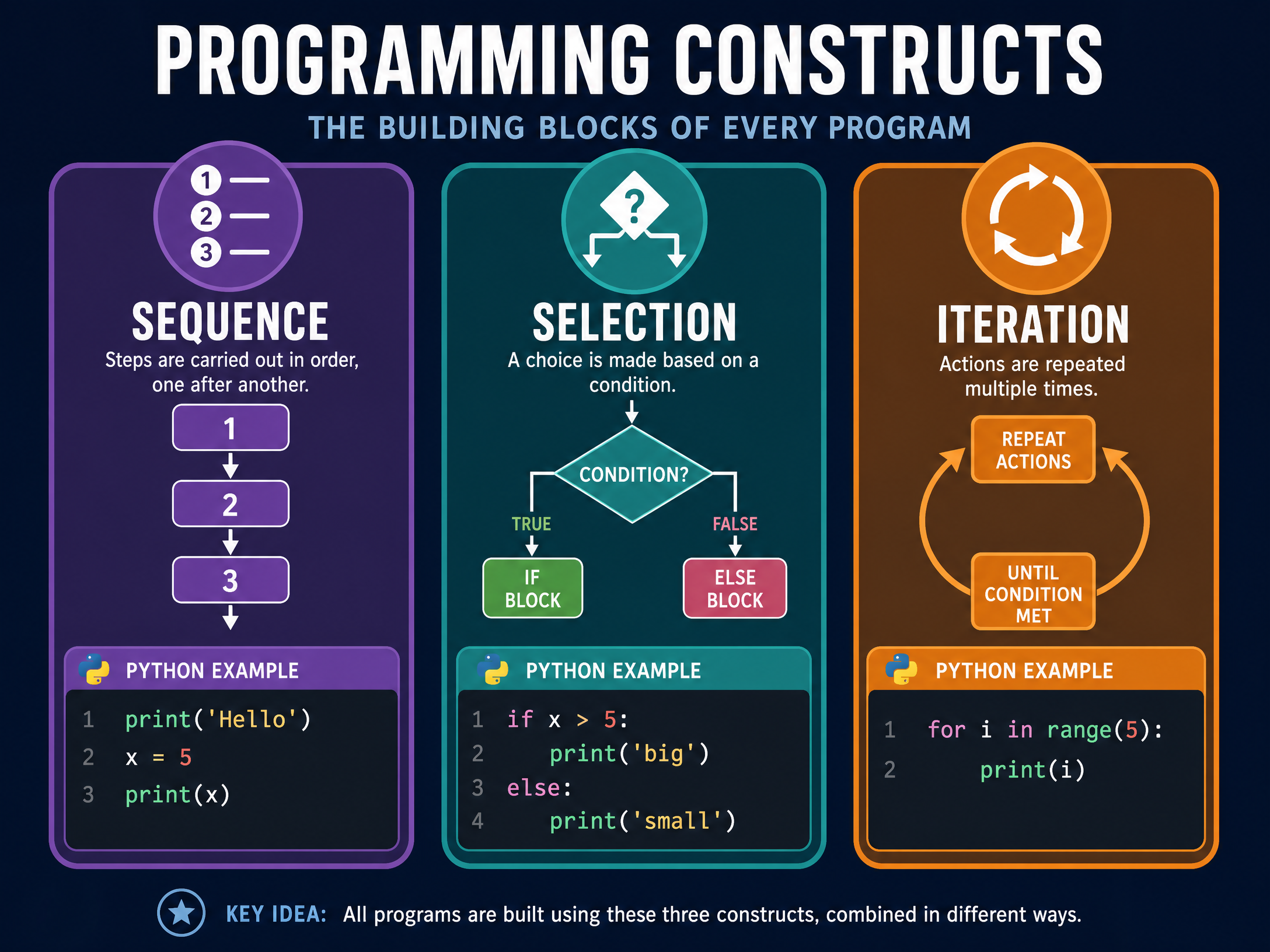
Every algorithm, no matter how complex, can be constructed using just three basic building blocks:
- Sequence: The execution of statements one after another, in order. The program runs line 1, then line 2, then line 3.
- Selection: A construct used to make decisions. The program executes certain code only if a specific condition is met. In Python, this is implemented using
if,elif, andelsestatements. - Iteration: A construct used to repeat a block of code. This is also known as looping. Python uses
forloops (count-controlled iteration, when you know how many times to loop) andwhileloops (condition-controlled iteration, looping until a condition changes).
Example: A program that asks for a password 3 times uses iteration. Checking if the entered password is correct uses selection. The order in which it asks, checks, and grants access is the sequence.
Concept 3: Subprograms (Functions and Procedures)
Subprograms are self-contained blocks of code that perform a specific task within a larger program.
- Procedures: Perform a task but do not return a value (e.g., a subprogram that prints a menu to the screen).
- Functions: Perform a task and return a value to the main program (e.g., a subprogram that calculates VAT and returns the total price).
Using subprograms makes code easier to read, easier to debug, and reusable. It is a direct application of decomposition.
Local vs Global Scope: Variables declared inside a subprogram are local—they only exist while that subprogram is running. Variables declared in the main program are global—they can be accessed anywhere. Examiners frequently test your understanding of scope by asking why a variable is throwing a NameError.
Concept 4: Data Structures and File Handling
Programs need to store data. While standard variables hold single values, data structures hold multiple values.
- Strings: A sequence of characters. You must know how to slice strings, find their length (
len()), and concatenate them. - Arrays/Lists: A collection of items stored under one identifier. Python uses Lists. You must know how to access items via their index (remembering Python uses zero-based indexing), append items, and iterate through the list using a
forloop. - Records: A data structure that groups together related items of different data types (e.g., a student's name, age, and average grade). In Python, this is often implemented using dictionaries or 2D lists.
File Handling: Programs often need to save data permanently. You must know how to open a text or CSV file, read from it, write to it, and close it. The standard modes are 'r' (read), 'w' (write/overwrite), and 'a' (append).
Concept 5: Testing and Defensive Design
Defensive design ensures a program is robust and won't crash when users do unexpected things.
- Validation: Checking that input data is reasonable and meets certain criteria before it is processed. Types include Range checks, Type checks, Length checks, and Presence checks.
- Authentication: Verifying the identity of a user (e.g., usernames and passwords).
Testing is used to find errors. You must know the three types of errors:
- Syntax Error: The code breaks the grammatical rules of the programming language (e.g., missing a colon). The program will not run.
- Logic Error: The program runs, but produces the wrong output because the algorithm is flawed (e.g., using
+instead of-). - Runtime Error: An error that occurs while the program is running, causing it to crash (e.g., trying to divide by zero or opening a file that doesn't exist).
When testing, you must use a test plan with three types of test data:
- Normal: Data that should be accepted.
- Boundary: Data at the extreme edges of what is acceptable.
- Erroneous: Data that should be rejected.
Mathematical/Scientific Relationships
While programming relies heavily on logic rather than pure mathematics, you must be comfortable with the following operators:
==(Equal to)!=(Not equal to)<(Less than),>(Greater than)<=(Less than or equal to),>=(Greater than or equal to)//(Integer division / Floor division - returns the whole number part of division)%(MOD / Modulo - returns the remainder of a division. Crucial for determining if a number is even/odd)
Practical Applications
The skills learned in this topic are the foundation of all software engineering. From building a simple calculator to programming the logic behind a self-driving car's decision-making process, sequence, selection, and iteration are universal. In the exam, practical applications usually take the form of calculating ticket prices based on age, validating user input for a booking system, or reading high scores from a text file.
Visual Resources
2 diagrams and illustrations
Interactive Diagrams
2 interactive diagrams to visualise key concepts
Conceptual Flow Outline
Flowchart demonstrating the Selection construct (IF/ELSE statement).
Conceptual Flow Outline
Flowchart demonstrating the Iteration construct (a WHILE loop).
Worked Examples
3 worked examples — open one to explore the question and available guidance.
Practice Questions
Test your understanding — click to reveal model answers
Explain the difference between a syntax error and a logic error.
Hint: Think about whether the program actually runs or not.
Write a Python program that asks the user to input a number. The program should output 'Even' if the number is even, and 'Odd' if the number is odd.
Hint: You will need to use the Modulo operator (%) to find the remainder when divided by 2.
A programmer is writing a function to calculate the area of a rectangle.
def calc_area(width, height):
area = width * height
print(area)
Explain why this function is poorly designed and how it should be improved.
Hint: Think about the difference between a function and a procedure, and what functions should do with their results.
A program asks a user to enter a password. The password must be at least 8 characters long. Write a Python while loop that repeatedly asks the user for a password until they enter one that is valid.
Hint: You need to check the length of the string. Think about what the condition for the while loop should be (loop WHILE the password is too short).
Describe how decomposition could be used when writing a program to simulate a game of chess.
Hint: What are the separate tasks required to make a chess game work?